Roblox Scripts
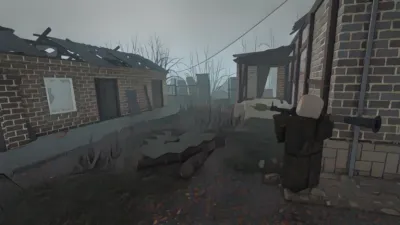
 The Lost Front
Credits: LzBrazilian
EN: This script was made for mobile devices and has never been tested on a PC, but I’ve included the option to disable and enable it using the shift key on the keyboard.This script was made for mobile, never tested on a PC, but I left the function to disable and enable it using the keyboard shift key; it’s also customizable in the initial part of the code.PT-BR: Esse script foi feito para mobile, nunca testado no Pc, mas deixei a função de desativar e ativar usando o shift do teclado, é customizável também na parte inicial do código.
--[[
    === CONFIGURAÇÕES DO USUÁRIO ===
    Edite as opções abaixo conforme desejar.
]]

getgenv().ESP_Settings = {
    Enabled = true,              -- Estado inicial
    ToggleKey = Enum.KeyCode.RightShift,

    DistanciaLimite = 300,       -- Distância máxima

    TeamCheck = true,            -- Verificar aliados
    TeamColor = Color3.fromRGB(0, 255, 0),      -- Verde
    EnemyColor = Color3.fromRGB(255, 0, 0),     -- Vermelho

    TextSize = 13,
    BoxThickness = 1,

    -- Configuração do Botão
    ButtonConfig = {
        Size = Vector2.new(120, 30),
        TextColor = Color3.new(1, 1, 1),
        EnabledColor = Color3.fromRGB(0, 150, 0),
        DisabledColor = Color3.fromRGB(150, 0, 0),
        TextFont = 2,
        TextSize = 15
    }
}
 loadstring(game:HttpGet("https://raw.githubusercontent.com/ZiriloXXX/EspTLF/refs/heads/main/script.lua"))()
Comments section coming soon...
To use this script, you need a Roblox Executor. Simply copy the script from this page, paste it into your executor, and run it while you are in the The Lost Front game.
Yes, this script is completely free to use.
No, this script does not require a key.
Yes, this script is designed to be compatible with mobile executors.