Roblox Scripts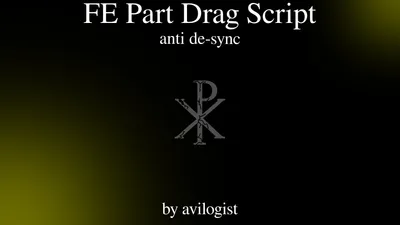
Credits: avilogist
== Avilogist’s FE Part Drag ==This script took me about 2 weeks to script, i didn’t actually think i’d get it working but here it is!FE Part DragAny game with unanchored parts you can drag and it is FE (filtering enabled) where the server and client both see it.YES <– Other people will see where you drag the part, it has a 0MS delay if de-sync does no occur.# FEATURES #- Anti De-Sync, this script attempts to prevent de-sync from occurring, if so it tries to re-sync. If all fails, a red outline will show of where the server currently believes the part is (what the other clients see)= HOW TO USE = – Hold right click on an unanchored part to drag- Use Q&E to control the distance
loadstring(game:HttpGet("https://raw.githubusercontent.com/avilogist/1/refs/heads/main/projects/%5BFE%5D%20Part%20Drag%20(0%20DESYNC).lua"))()Comments section coming soon...
To use this script, you need a Roblox Executor. Simply copy the script from this page, paste it into your executor, and run it while you are in the Universal game.
Yes, this script is completely free to use.
No, this script does not require a key.
Yes, this script is designed to be compatible with mobile executors.